

Can You Turn a Google Doc into a Google Form
Docswrite Team
Dec 11, 2024
2 min read
Can You Turn a Google Doc into a Google Form? Here’s How to Do It

Google Docs is a fantastic tool for creating content, but turning that content into an interactive Google Form can often be time-consuming. Whether you’re a teacher creating quizzes or a business professional gathering feedback, converting your Google Doc into a Google Form is now easier than ever with Formswrite. This step-by-step guide will show you how to transform your document into a polished form in minutes.
Step 1: Prepare Your Google Doc
Before using , ensure your Google Doc is well-structured.
-
Format questions as bullet points or numbered lists.
-
Add any specific instructions to clarify your content.
Step 2 : Publish Your Content Using
Now that your content is ready, it’s time to publish:
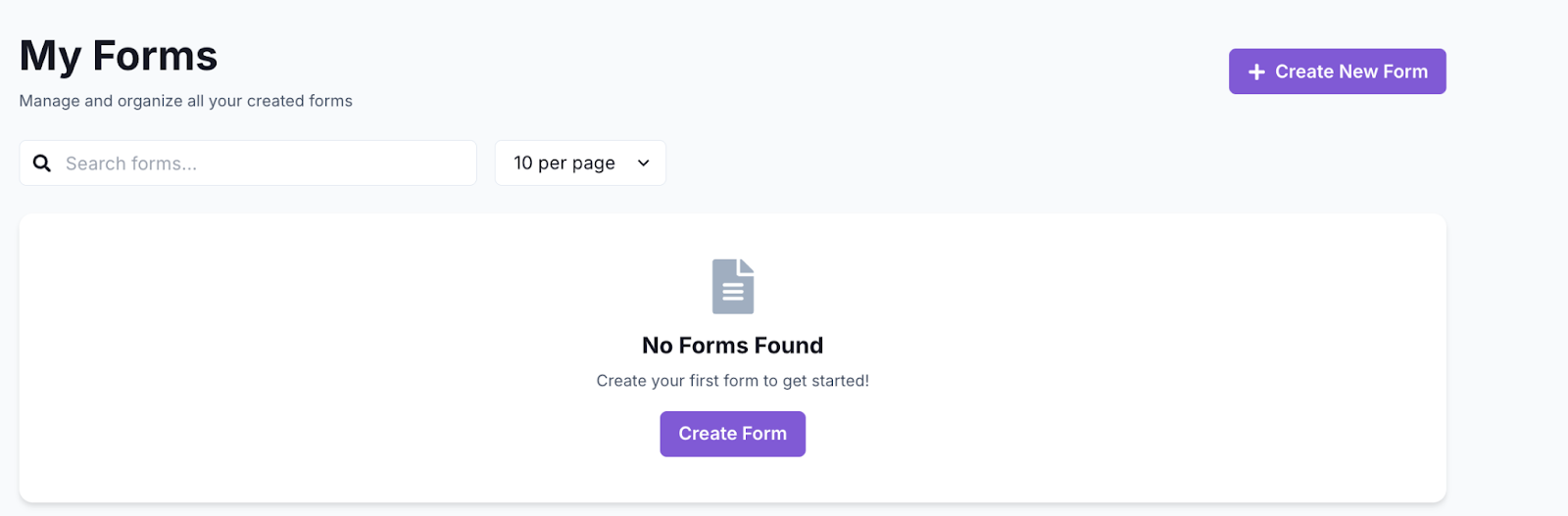
Open Formswrite Dashboard: Log in to your Formswrite account and navigate to your dashboard.
Select “Create New Form” & Select your document: Choose the Google Doc you want to publish from the list of documents linked to your Formswrite account.
Preview your document & your form: Customize the publishing according to your preferences. You will be able to add, delete or modify your question.
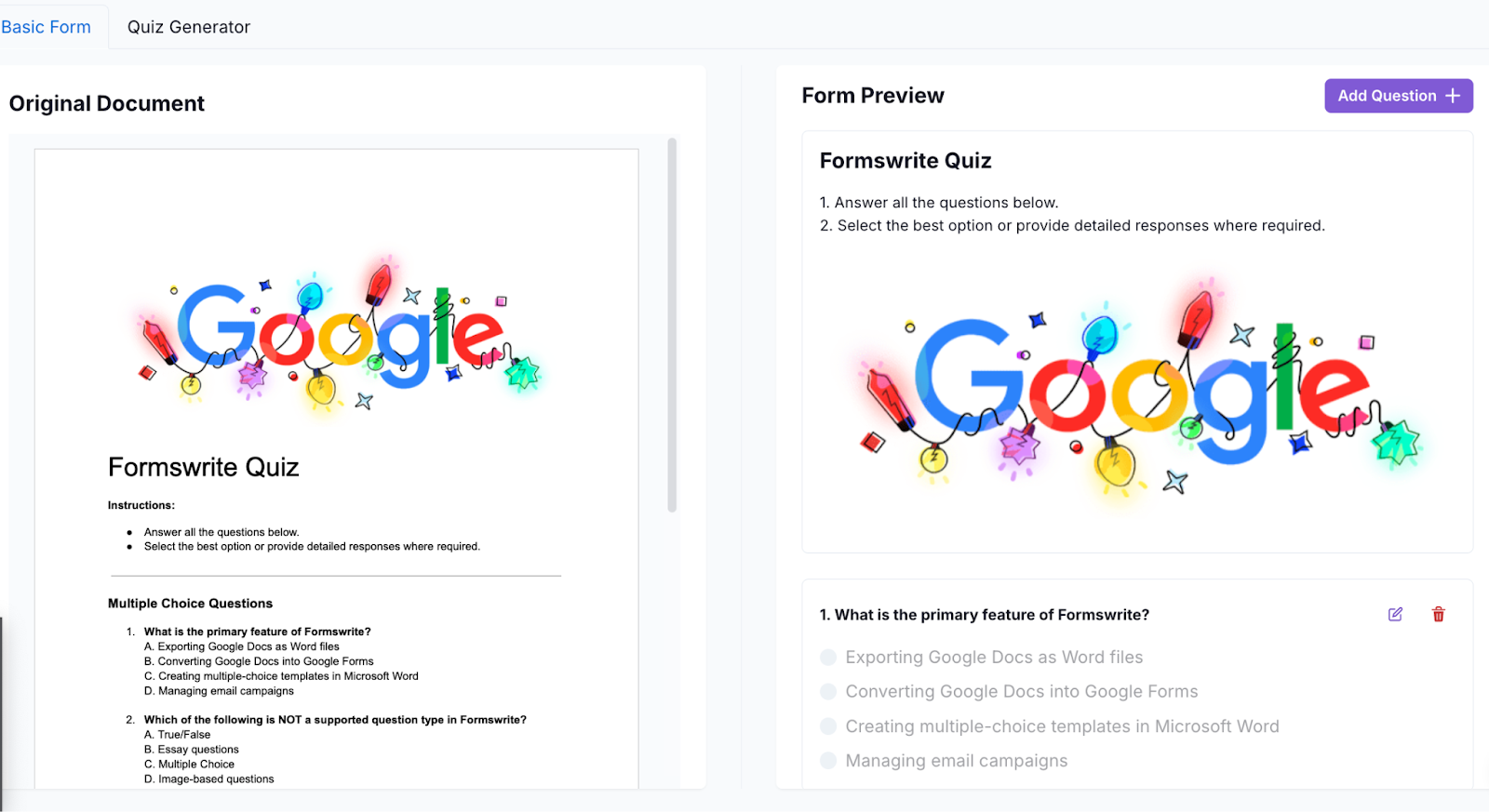
Convert to Form: Click the “Convert to Form” button. Formswrite will handle the rest, ensuring your content is converted effectively.
“View Form”: When satisfied, click on the “View Form” button. Formswrite will integrate directly with your Google account, creating a form you can access and share via Google Forms.

Step 3: Share Your Form
Now that your Google Form is ready, you can copy the shareable link or send invitations directly from the Google Forms interface.
Benefits of Using
-
Saves Time: Automates the process of converting Google Docs to Forms.
-
User-Friendly: No technical expertise required.
-
Customizable: Easily tweak questions and options to fit your needs.
FAQs
**1. Is Formswrite.com free to use?**Formswrite offers five free exports to help you try the service. After that, you'll need to subscribe to a paid plan for continued access to its features.
**2. Can I use Formswrite for documents with complex formatting?**Formswrite works best with well-structured content. Ensure your document is organized with headings and clear questions for optimal results.
**3. Is Formswrite secure?**Absolutely! Formswrite uses secure connections and does not store your content after the form creation process.
**4. Can I edit the Google Form after exporting?**Yes, you can edit the form directly in Google Forms to make additional changes.
← Back to Blog